How to Design a Stage in Steal The Show
Lights, effects, and visuals are the frame around your song — not a second song.
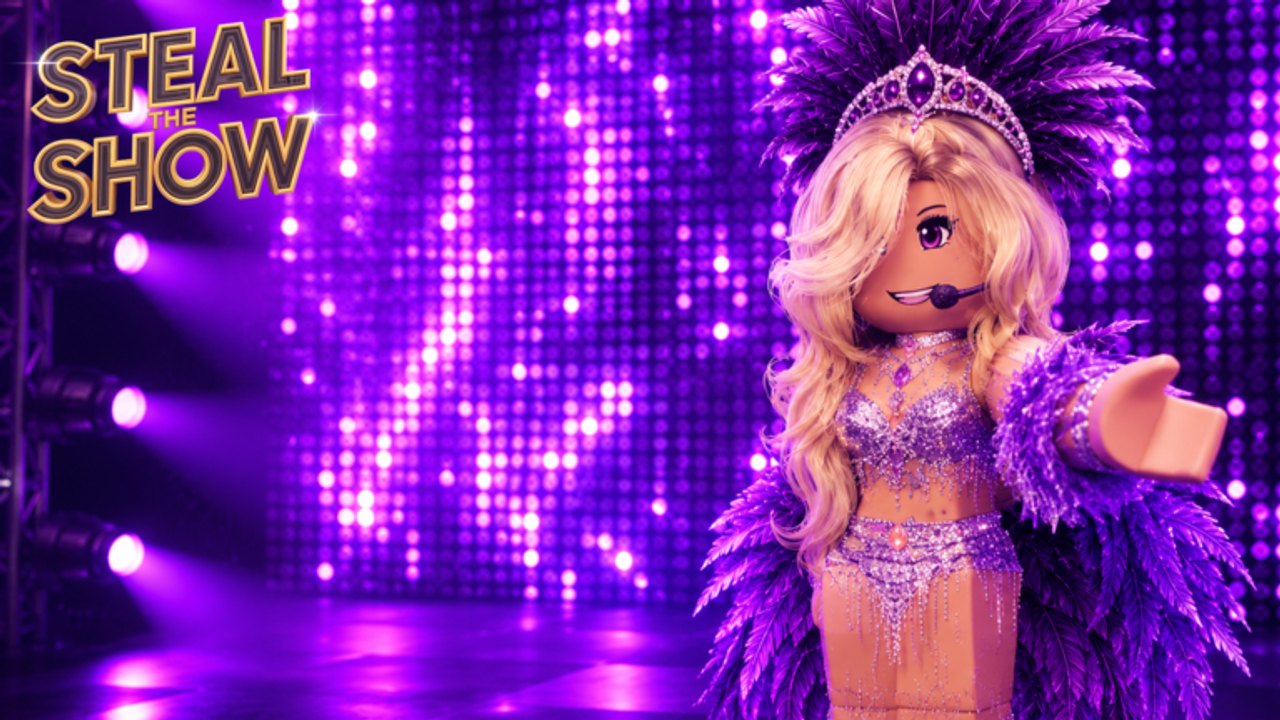
The official Steal The Show feature list calls out a custom stage show: lights, effects, and visuals. That is the difference between a karaoke AFK and a music showdown. This page teaches you to design a stage that helps the act instead of burying it.
Read How to Perform so you know which seconds need a lighting hit. Read the stage effects tier list when you want a ranked shortlist. If you are still dressing, finish How to Build an Outfit first — lights cannot save a silhouette that disappears.
Design for the first three seconds
Judges look up when your name is called. They should see a decided picture: a spotlight or a color wash, a readable avatar, and a stage that looks owned. If the default house lights stay up and your effects start twenty seconds later, you wasted the open.
Plan one opening look, one mid-song change, and one closing snap. Three looks are enough for an eight-player rotation. More than that usually becomes noise, especially on phones.
Lights before particles
Lights do the job effects only decorate.
- A front spotlight sells the face and the headset mic.
- A colored wash sells the mood of the song.
- A strobe or hard flash belongs on a chorus hit, not on the whole track.
- Backlight separates you from stadium seats if the venue assets are dark.
The experience credits lighting work for a reason. Use fewer, stronger cues. If you cannot explain why a light turns on, delete it.
Effects and visuals
Effects are fireworks, beams, and screen visuals. They win when they land on a lyric or a beat you already planned in the song tier. They lose when they cover your avatar for half the song.
Rules that survive beta polish:
- Keep your body visible in the center third of the stage.
- Aim big effects up or out, not through your chest.
- Repeat one signature visual instead of cycling every option.
- Match intensity to the track. A quiet verse wants a dim wash, not a full drop.
If the stadium assets already give you a big room, you do not need to fill every meter. Empty space makes the performer look like a headliner.
Color that respects the outfit
Gold light on gold clothing flattens. Magenta light on a red dress turns to mud. After you pick a fit, pick a complementary wash:
- Dark outfits need a rim or a pale front light.
- White outfits can take saturated color.
- Mixed neon outfits need a simpler wash so the clothes stay the loudest thing.
The outfit planner has a line for “light color vs cloth color” because this mismatch is a common silent loss.
Device and beta limits
On mobile, heavy effects cost frames and hide UI. If your own camera stutters, judges on phones are stuttering too. See Controls for a lighter effects preset you can run when the lobby feels packed.
The game is in open beta and still receiving weekly polish. A cue that breaks, a light that ignores a slider, or a visual that clips the headset may be a known rough edge. Check weekly notes before you rebuild the whole show.
Rehearse with the vote in mind
You will also judge seven other stages. Watch where your eye goes. If you cannot find the performer, that design failed — score it that way in How to Vote, then avoid the same mistake on your turn.
Stage design is a frame. The song and the body do the acting. Light the frame so the acting is obvious, then go steal the show with How to Win.
Frequently Asked Questions
Quick answers for the current Steal The Show beta.
How many lighting looks do I need?
Three is enough: an opening picture, a mid-song change, and a closing snap. Extra cues often hide the performer.
Should I max every stage effect?
No. One signature effect on the chorus beats a full-song particle storm, especially on mobile.
Why do my lights wash out my outfit?
The wash is too close to the cloth color. Change the light family or add a contrasting front spotlight.
Guides Overview
Steal The Show Roblox guides for how to play, perform, dress, light the stage, vote, and win eight-player rounds.
How to Play
Learn the Roblox Steal The Show loop: eight players, song, outfit, stage design, live performance, and star votes.
How to Perform
Steal The Show performance tips: song timing, movement, stage presence, and how to hold stars for a full Roblox act.
Build Outfit
Steal The Show outfit guide for Roblox: readable silhouettes, song-matching looks, and stage-friendly fashion.
How to Vote
Steal The Show voting guide: how star scores work, how to judge fairly, and how votes shape the Roblox music round.
How to Win
How to win Steal The Show on Roblox: stack song, outfit, lights, and performance so the eight-player crowd gives you the stars.